
From zero to autopilot
Follow these six milestones to go from a fresh account to autonomous, published content — no code, no guesswork, no missed steps.
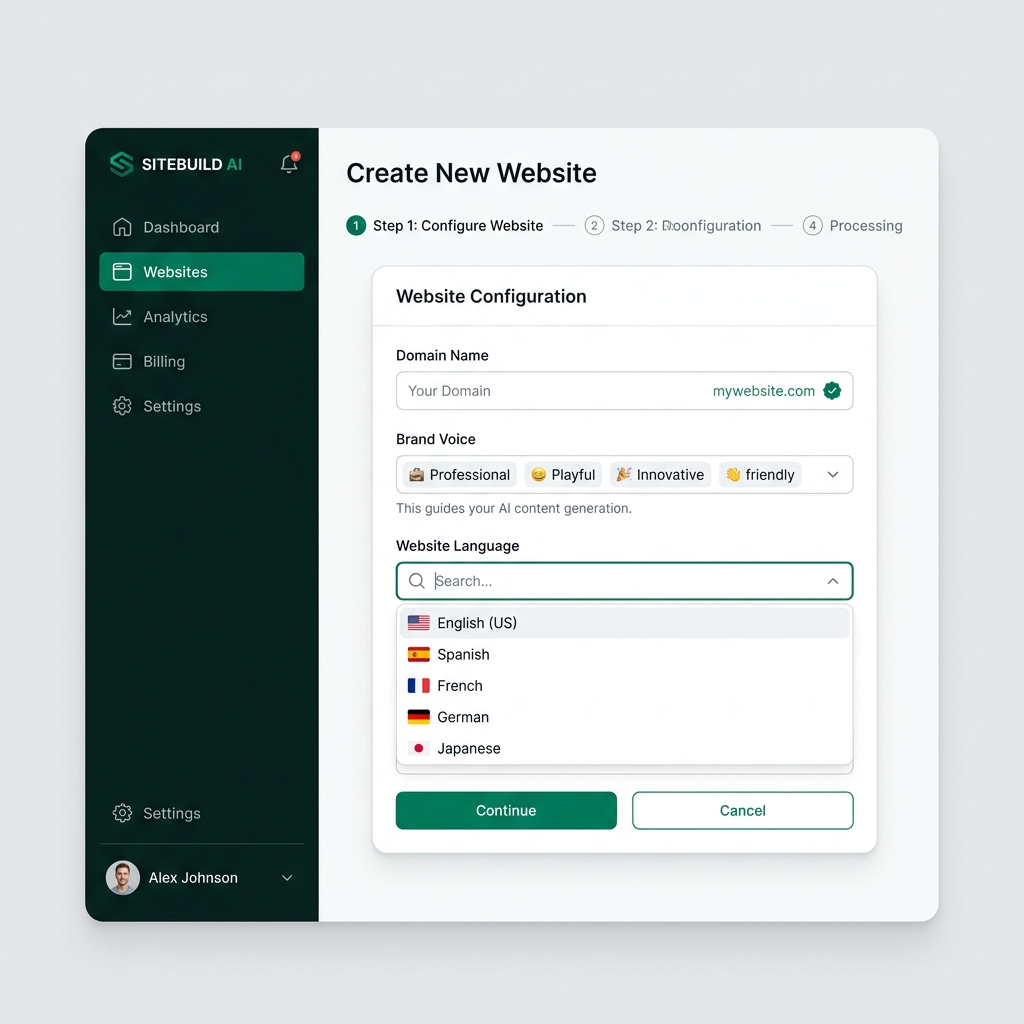
Add Website
Connect your domain, set your brand voice, and configure DataForSEO location & language so research matches your market accurately.
Helpful Tip
Use your production website instead of staging to ensure API connections work smoothly.
Every milestone earns the next
Skip ahead and automation has nothing safe to run on. Work through them in order and each one hands off exactly what the next needs.
Context compounds
The domain, brand voice, and market settings you set in step one shape every keyword, draft, and outline the AI produces after it.
Nothing publishes unchecked
SEO and GEO scores, plagiarism scans, and a trust report gate every article before it ever reaches your CMS.
Automation you can trust
Daily caps, score gates, and credit guardrails mean autopilot only ever does exactly what you’ve explicitly allowed.
Ready to generate SEO content on autopilot?
Stop writing manually. Give Seobox a keyword and watch it research, draft, and publish fully optimized content that ranks and gets cited by AI engines.